Paste and go
Paste a link or drop it anywhere in the window. YouTube previews appear instantly, with title, length and thumbnail.
Videos, songs, playlists and transcripts from YouTube and over a thousand other sites. Whole folders from Google Drive and Dropbox. Straight to your computer, with no account and nothing in between.
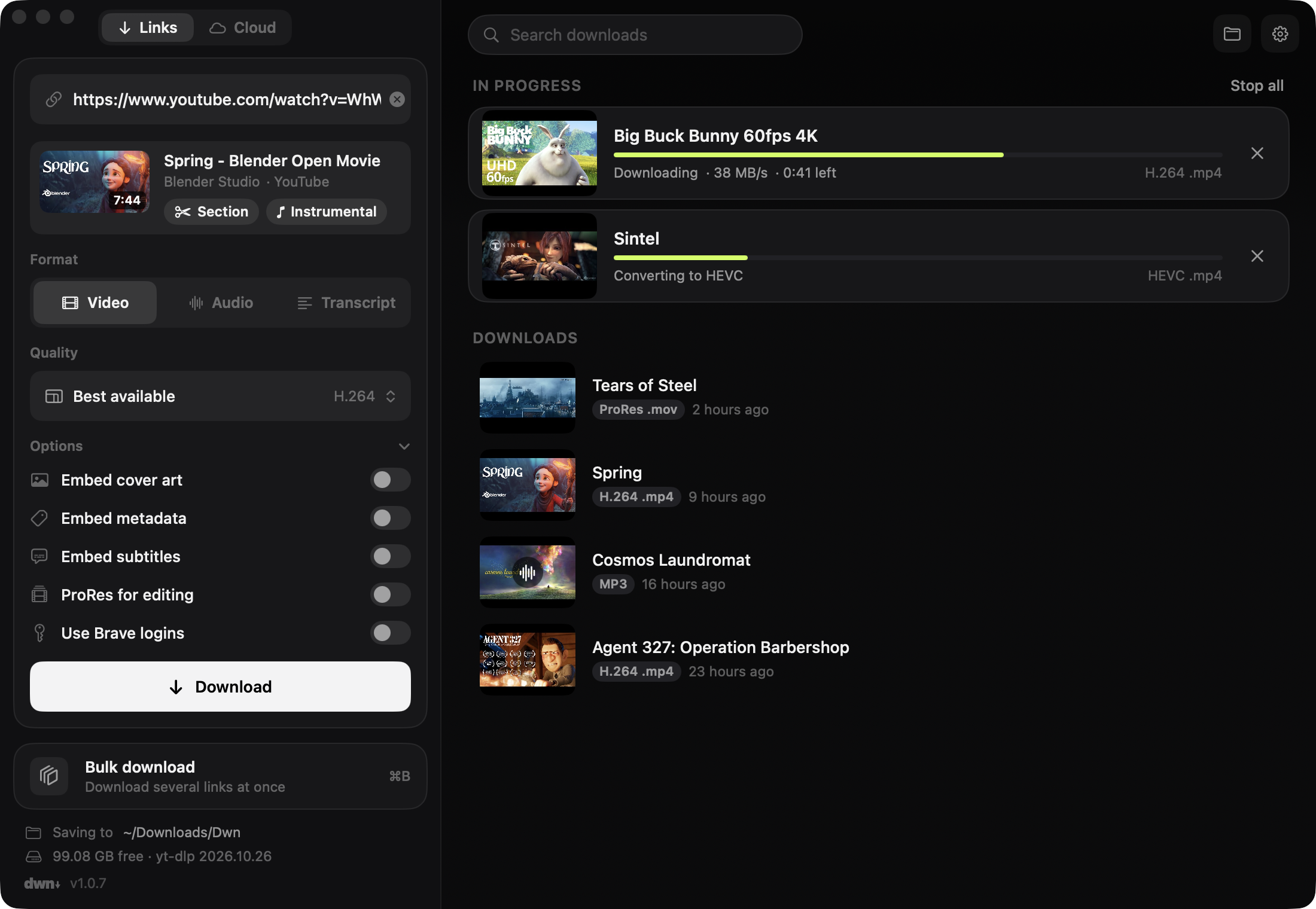
Paste a link, pick a format, done.
Works with
Everything you'd want from a downloader, in one quiet window. No ads, no queues, no upload limits.
Paste a link or drop it anywhere in the window. YouTube previews appear instantly, with title, length and thumbnail.
Video up to 4K and 8K, audio, or a clean transcript from the captions. Cover art, metadata and subtitles come embedded.
Pick a section on a filmstrip, frame-accurate, with chapters and “most replayed” marked.
Paste fifty links or drop a text or CSV file. Playlists, albums and channels expand on their own.
Copy a link anywhere and press the shortcut. A small panel opens with it ready to go.
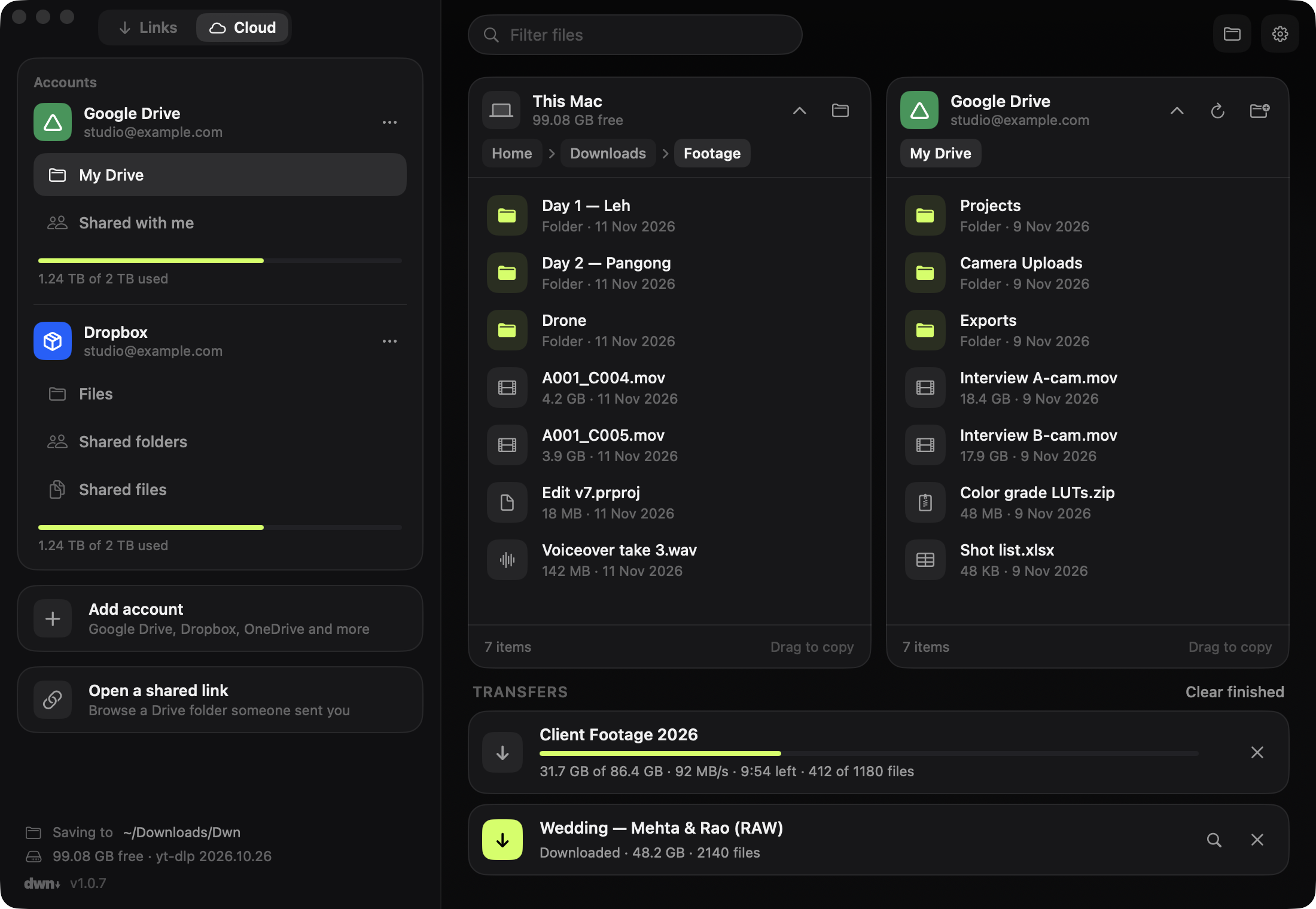
Download a big folder from the Google Drive website and you get it chopped into zip parts. Dwn copies it file by file, exactly as it's stored, and picks up where it left off if the connection drops.
drive-download-001.zipdrive-download-002.zipdrive-download-003.zipClient Footage 2026/ Day 1/A001_C004.mov Day 1/A001_C005.mov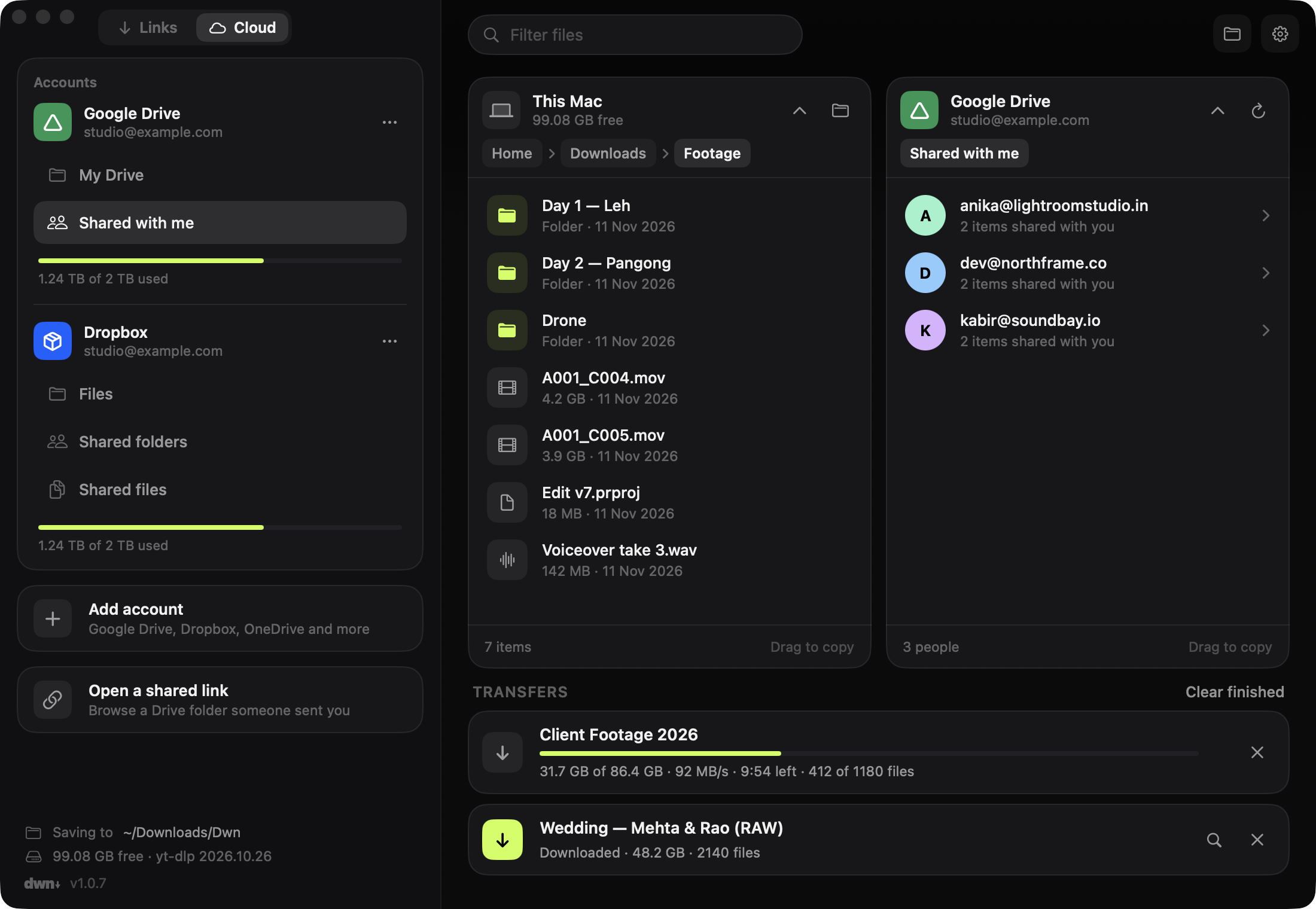
Dwn has no servers to send anything to. Your links, files and sign-ins stay on your machine. Read the privacy policy.
No sign-up, no email. Open it and download.
Downloads go straight from the site or your cloud drive to your disk.
No analytics, no crash reporting, no ads. Ever.
Version 1.0.7. It checks for updates and installs them with one click.
Unzip and move Dwn to Applications. The first time, right-click it and choose Open.
Run the installer. If SmartScreen appears, click More info, then Run anyway.